Keyboard launcher · macOS, Windows, GNOME

The pocket knife
of launchers.

One hotkey away, for the small things you do many times a day: opening apps, working out a number, pasting something you copied earlier, typing the same text again. It stays in the tray doing nothing until you call it, and gets out of the way when you’re done.

01
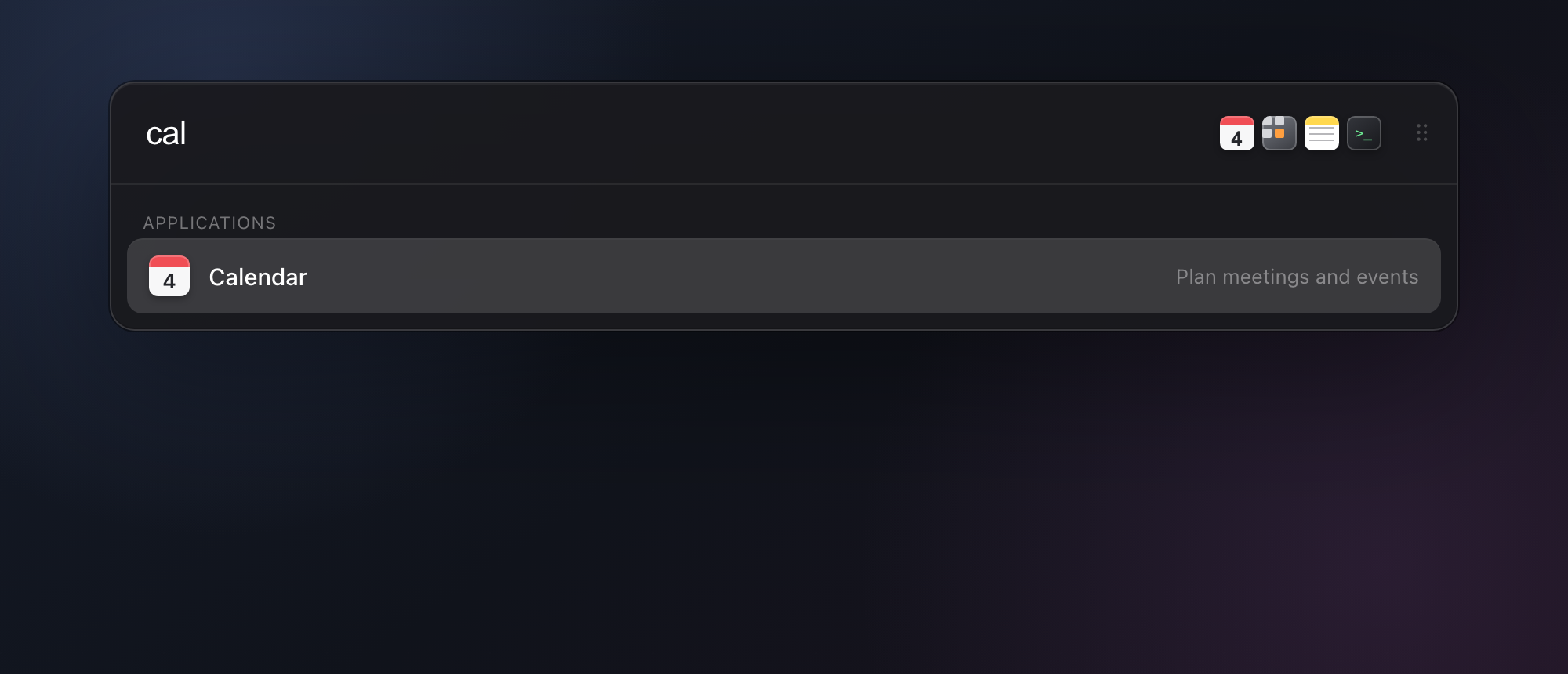
AppsSearch installed apps and open one with Enter.

Small by design

One bar,
a handful of jobs.

01 · Math and conversions

Calculations, units, currencies, and time zones.

Type the query into the bar and the result appears below it. Enter copies the result. Currency uses live exchange rates, cached locally between lookups.

10am london to tokyo 125 usd to eur 72 f to c 15% of 480
02 · Clipboard history

Everything you copied, kept and searchable.

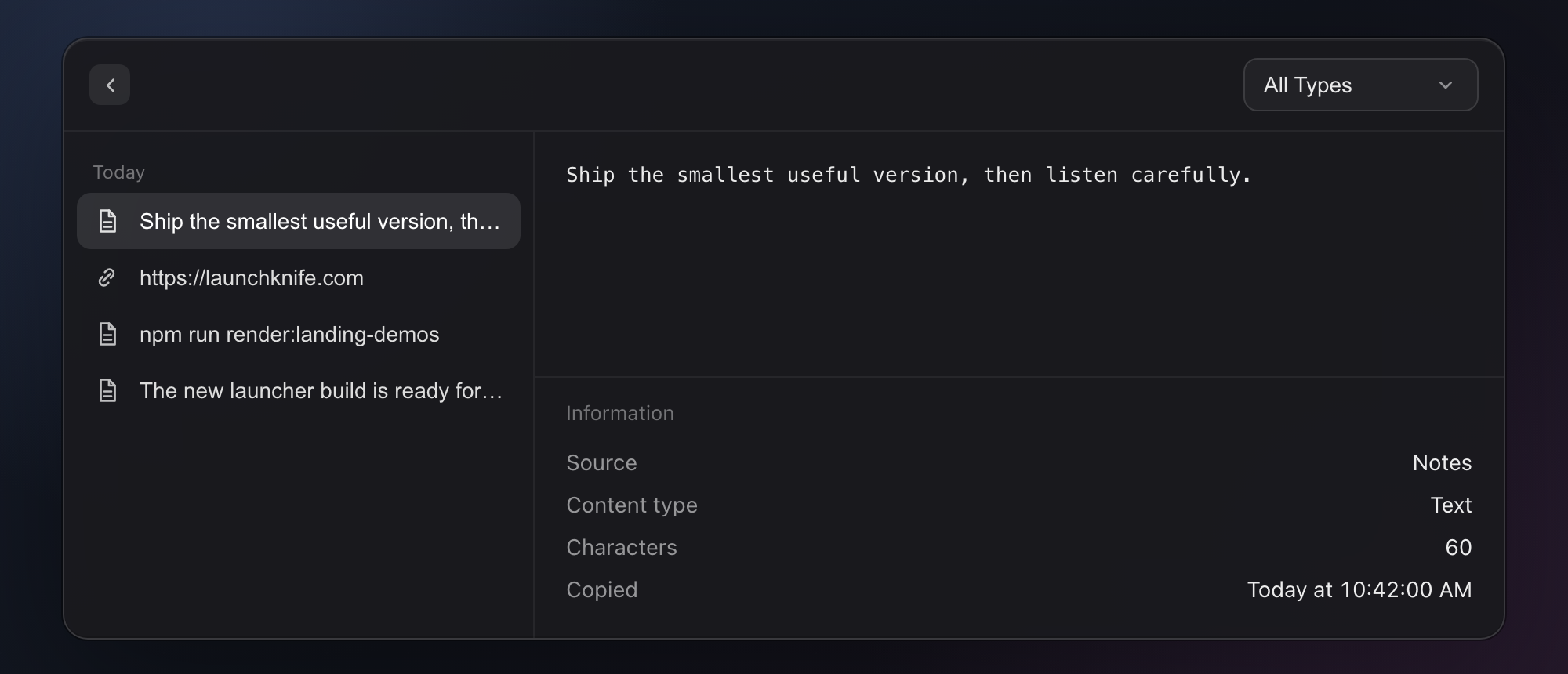
Recent text, links, and images are stored on your machine, each labelled with the app it came from. Search the list and select an item to paste it again. History length is configurable.

LaunchKnife clipboard history showing recent copied items and their source apps
03 · Text snippets

Short triggers that expand into longer text.

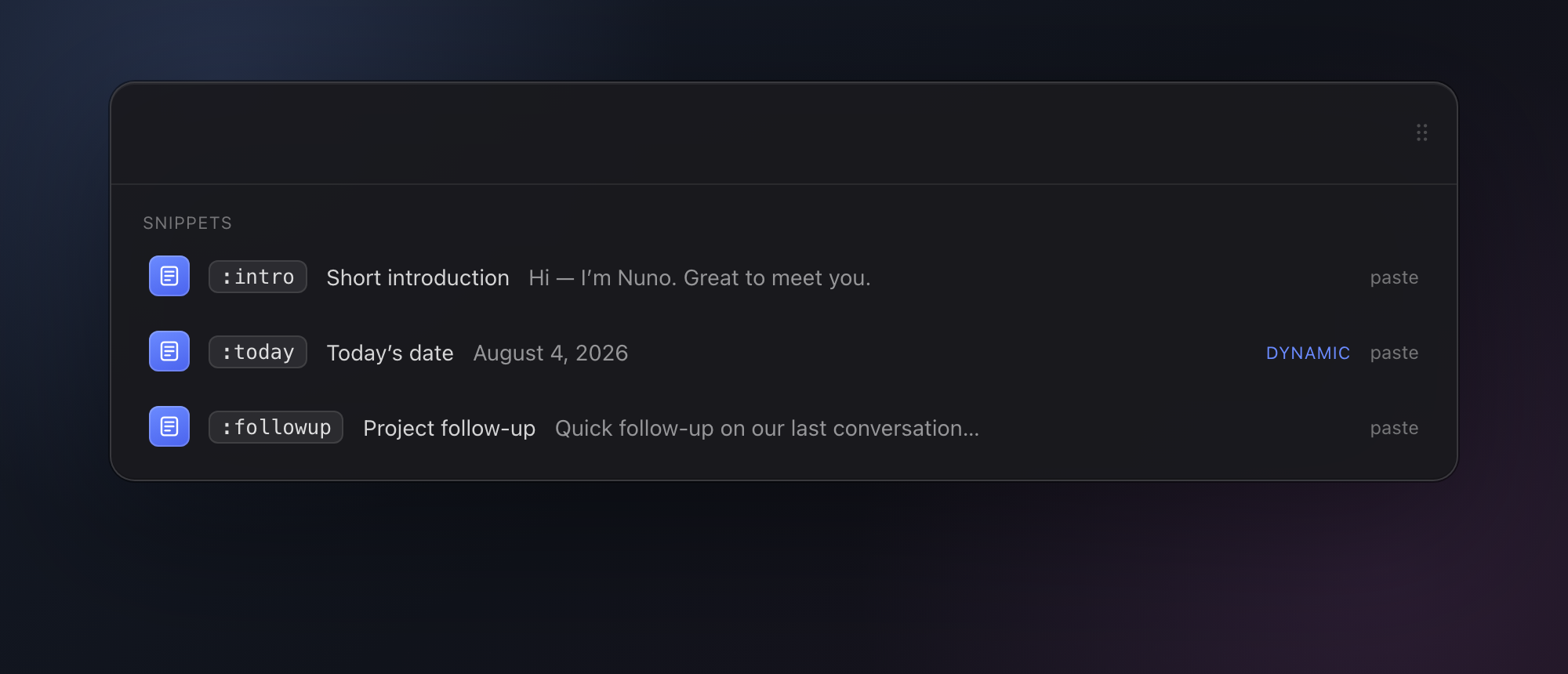
Assign a trigger to a block of text — an address, an email, a standard reply. Typing the trigger in any app replaces it with the text. Snippets can include a date template that is filled in when used.

LaunchKnife showing reusable text snippets and a dynamic date snippet
04 · Favorites and settings

Nine pinned apps, and the settings behind them.

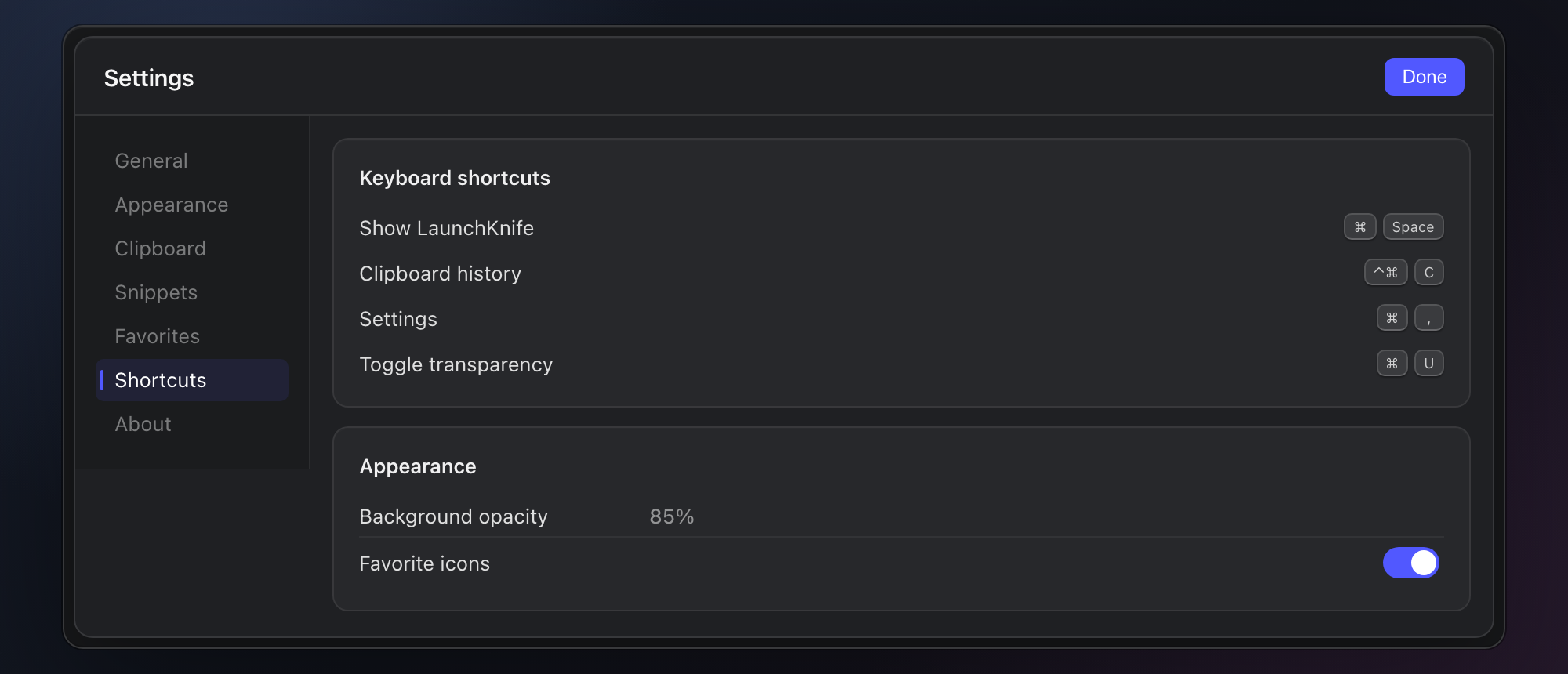
Pin up to nine apps and open them by number. Settings covers the summon hotkey and other shortcuts, window transparency, clipboard history, snippets, and updates.

1–9 on macOS · Ctrl1–9 on Windows and GNOME

Favorite apps pinned inside the LaunchKnife bar
LaunchKnife settings for keyboard shortcuts and appearance
LaunchKnife logo

Platforms

Same launcher,
whichever machine.

macOS, Windows, and GNOME 50 on Wayland, from one codebase. Same bar, same search, same settings on each — and the key bindings follow the conventions of the desktop you’re on, so the muscle memory carries over when you switch.

Runs locally No account Configurable shortcuts Free during beta